 Safety Guide
AR Wallet Users Safety & Security Guide
Follow this complete safety guide to protect your bank account, UPI payments, and AR Wallet login from scams, phishing, and account freezes while trading ARB tokens in India.
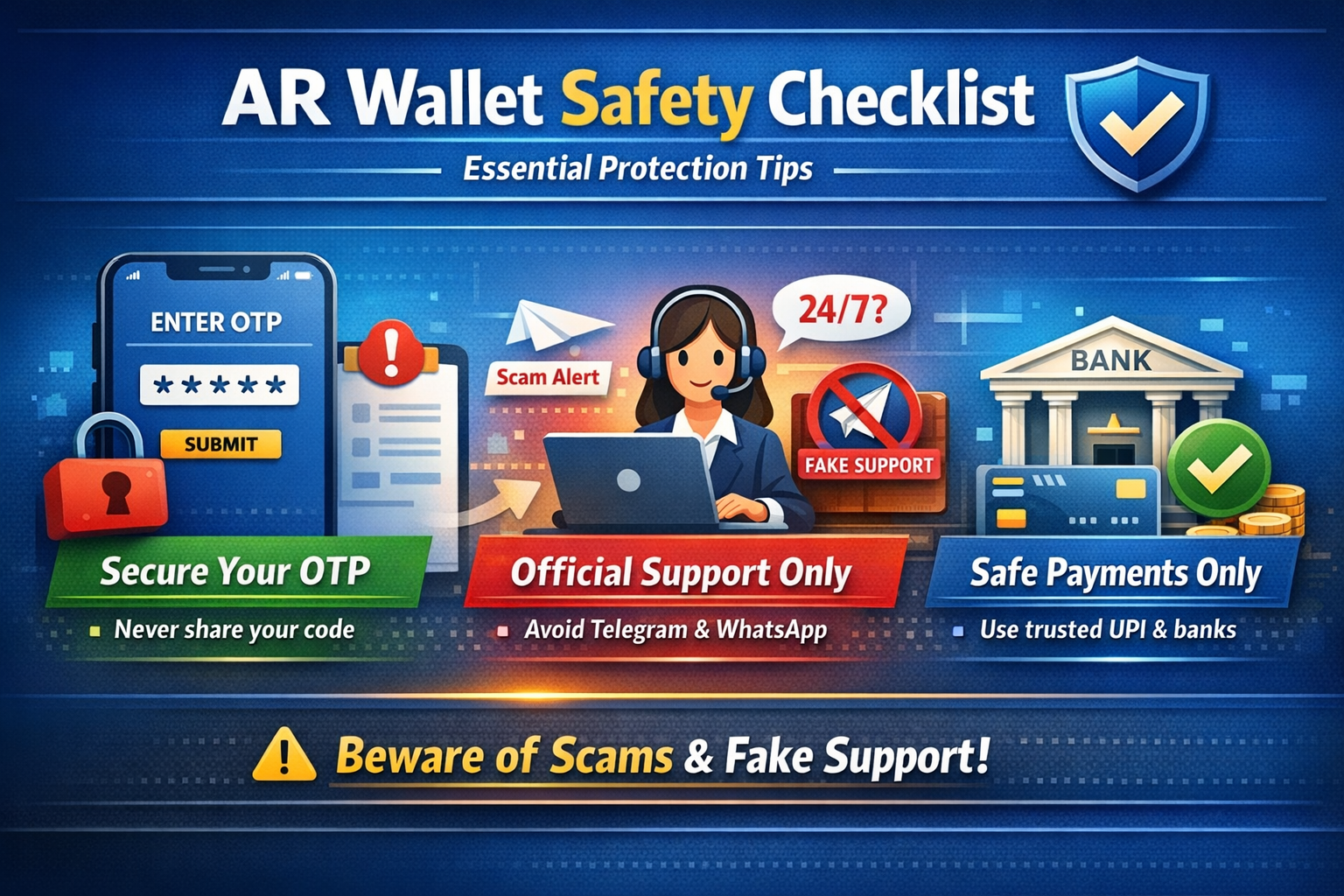
1. AR Wallet Users Safety Checklist
Follow this checklist to ensure your funds and bank account remain protected while trading ARB tokens on AR Wallet.
- 1Official Website Only: Use only thearwallet.in and always verify the exact URL before login. Bookmark it.
- 2UPI Verification: Always confirm the receiver name in PhonePe, GPay, or Paytm before sending money.
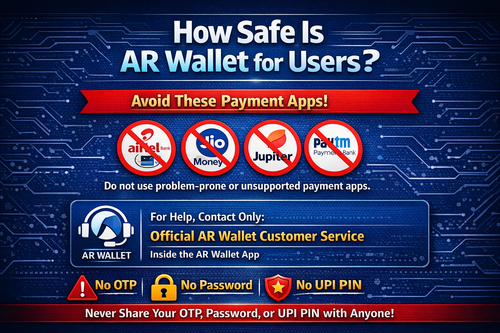
- 3Bank Safety: Prefer major banks — avoid payment banks like Jio, Airtel, and Jupiter for trading activity.
- 4Minimum Trade First: Begin with small amounts to understand the process before scaling up.
- 5Official Support Only: Use customer support only through the official app. Never trust Telegram or WhatsApp agents.
2. AR Wallet APK Download Safety Guide
Download the AR Wallet APK only from the official website: thearwallet.in or the official platform link.
Always Do This
- Download from official website only
- Verify the file name and size
- Enable install from trusted sources only
- Check app permissions before installing
Never Do This
- Download from Telegram links or groups
- Use third-party APK download sites
- Install files from unknown senders
- Share the APK file with others
3. Verify UPI Payment Before Completing Orders
Always confirm UPI payments in your official bank app before clicking "Complete Order" inside AR Wallet. This is the most important safety step.
Check Bank App
Open your bank or UPI app and verify the credit entry in transaction history.
Screenshot Proof
Save the payment screenshot from your UPI app as personal proof of every transaction.
4. How to Prevent Bank Account Lien or Freeze
To minimize the risk of bank restrictions during high-frequency ARB trading, follow these smart banking tips:
- ✓Use major banks like HDFC, SBI, ICICI, or Axis Bank for AR Wallet trading transactions.
- ✓Limit rapid transaction activity, especially during the initial phase — space out your trades.
- ✓Maintain a balanced transaction history by mixing personal UPI payments with trading activity.
- ✓Save your bank's customer support contact details in advance for quick action if needed.
- ✓Ensure your bank account KYC is fully complete before starting high-volume trading.
5. AR Wallet Account Security Guide
Strong account security is your first line of defence against unauthorized access and fraud:
Strong PIN
Set a strong 6-digit PIN. Avoid simple patterns like 123456 or 000000.
Biometric Lock
Enable fingerprint or face unlock for an extra layer of device protection.
- ✓Never disclose your OTP, password, or UPI PIN to anyone — including anyone claiming to be official support.
- ✓Use referral code ARNQMRK only through official AR Wallet portals, never through third-party links.
- ✓Log out of your account on shared or public devices immediately after use.
6. AR Wallet Emergency Safety Actions
If you face an emergency situation while trading, take these immediate steps:
Tokens Not Received
Contact in-app support immediately with your payment proof, order ID, and transaction screenshot. Do not release the order without confirmation.
Bank Account Freeze or Lien
Contact your bank's customer care immediately. Provide your transaction records, UPI IDs, and purpose of transfers for faster resolution.
Suspicious User or Scam Attempt
Report and block the suspicious user within the AR Wallet platform dashboard. Do not send any payment outside the platform flow.
7. Safe Trading Practices for Indian Users
Smart trading habits maintain cleaner records and help avoid unnecessary disputes on AR Wallet:
- ✓Trade during active hours (10 AM to 8 PM IST) for faster response from buyers and sellers.
- ✓Prefer sellers and buyers with trusted badges and high completion rates.
- ✓Save proof of every transaction for at least 7 years for audit and tax compliance purposes.
- ✓Never rush into large trades — start small, learn the system, then gradually scale up activity.
8. Common Mistakes to Avoid on AR Wallet
Safe Habits
- Verify every payment manually in your bank app
- Use trusted major bank accounts only
- Contact support only through the official in-app channel
- Keep all screenshots and transaction records
Dangerous Habits
- Trusting screenshots without verification
- Using payment banks like Jio or Airtel
- Trusting unofficial Telegram or WhatsApp support
- Sharing your OTP or login credentials with agents
9. Final Safety Reminder
Your Safety Is Your Priority
No earning opportunity is more valuable than protecting your bank account and personal data. Always verify before you trust. Always confirm before you complete. Trade responsibly, stay informed, and use only official AR Wallet channels.
For website-related help and safety questions, contact support@thearwallet.in. Never share OTPs, passwords, UPI PINs, or sensitive banking details by email.